
GIGABYTE WiFi 6E GC-WBAX210
4.6Editor score
Intel AX210 module
Tri-Band 6GHz support
High speed connection
This guide compares the top PCIe WiFi cards for Linux to help you choose the right wireless adapter with reliable driver support and strong performance.
Choosing the right PCIe WiFi card for your Linux system can be challenging due to varying driver support. This guide helps you find reliable options with stable connectivity and strong performance for your desktop setup.
We evaluated ten top-rated PCIe WiFi cards focusing on Linux compatibility, throughput speeds, and feature sets. Our comparisons highlight models known for working well with modern kernels and offering solid value for home users.
Each pick shows key specs and real-world strengths to help you match a card to your needs. Prices and availability may change over time so checking current listings is recommended before making a final purchase decision.
4.6Editor score
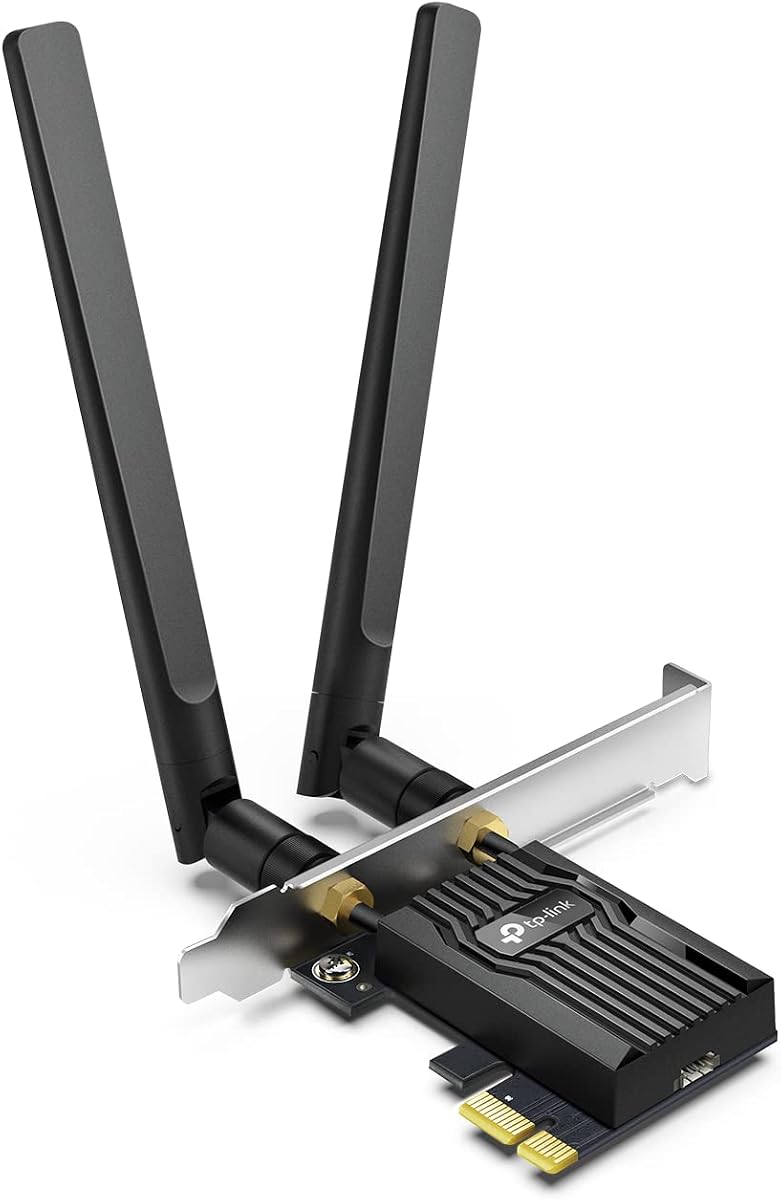
4.5Editor score
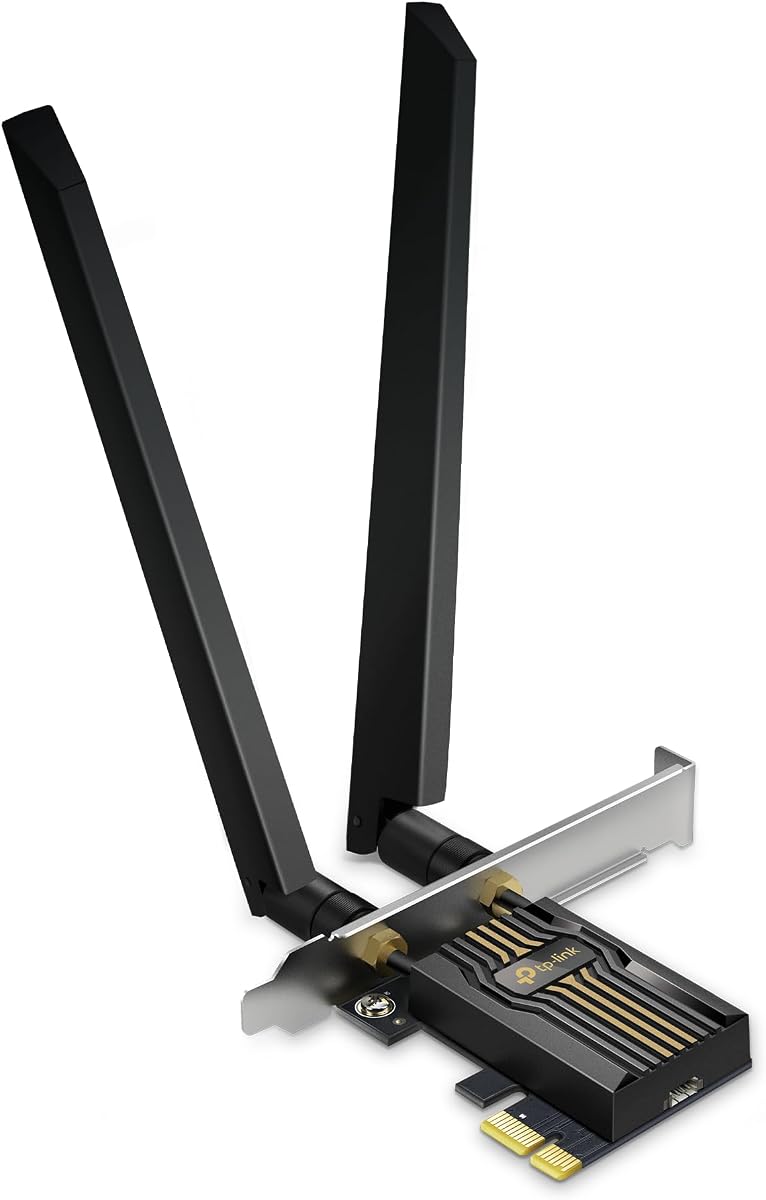
4.4Editor score
Here is a side-by-side look at all ten cards to help you compare their key features and find the best fit for your Linux desktop system.


This TP-Link card earns Editor's Choice for its proven performance and solid Linux support. It delivers fast Wi-Fi 6 speeds and remains a top pick for desktop users seeking stability.
We may earn a commission when you buy through this link, at no additional cost to you.
The AX3000 speeds offer plenty of bandwidth for streaming and gaming. OFDMA and MU-MIMO help reduce lag even on busy networks making it suitable for households with many devices.
Bluetooth requires a separate USB cable which some may find inconvenient. Also it lacks 6GHz support but this does not affect most Linux desktop workflows today.
Anyone needing reliable wireless on Linux should consider this model. It balances speed price and driver compatibility better than most options in its class.
Most Linux kernels include drivers for this chipset so users often connect without extra steps.
Low latency features help ensure smooth gameplay and video calls on crowded networks.
We may earn a commission when you buy through this link, at no additional cost to you.
Priced as the most affordable option this Gigabyte card offers great value for users wanting 6GHz capability. It uses the popular Intel AX210 chipset which works well on Linux.
We may earn a commission when you buy through this link, at no additional cost to you.
The tri-band design allows future-proofing with 6GHz support. Intel AX210 chipsets are widely documented so installing drivers on Linux distributions is straightforward for most users.
Connectors are small and can be tricky to handle during installation. The bracket is basic compared to higher-end models but works fine for standard cases.
Budget shoppers looking for 6E support will appreciate this card. It delivers solid performance and Linux compatibility at a price that fits tight budgets.
Users with a 6E router can tap into the less congested 6GHz spectrum for better speeds.
This chipset is trusted across Linux systems for stable connectivity and easy driver handling.
We may earn a commission when you buy through this link, at no additional cost to you.
This TP-Link card leads in speed and features for users wanting the latest Wi-Fi 7 tech. It uses high gain antennas and Multi-Link Operation to push throughput to new heights.
We may earn a commission when you buy through this link, at no additional cost to you.
MLO combines bands to lower latency and improve stability for gaming and large downloads. It also supports 320MHz channels which double the bandwidth of previous generations.
Linux support depends on kernel versions so check before buying. The cost is high and requires a matching Wi-Fi 7 router to unlock full potential.
Advanced users seeking maximum wireless performance will find this card compelling. It delivers premium speed and features when paired with modern routers.
Future-proof hardware ensures your setup can handle next-gen speeds as routers become common.
MLO sends data across bands simultaneously to reduce lag and increase overall throughput.
We may earn a commission when you buy through this link, at no additional cost to you.
EDUP offers a lower-cost entry into Wi-Fi 7 with this card. It uses the MediaTek MT7925 chipset which supports Linux kernels from version 6.7 onwards.
We may earn a commission when you buy through this link, at no additional cost to you.
Official drivers from the vendor make installation smoother for Linux users. Tri-band support helps spread traffic across frequencies for better performance.
The chipset is newer so community support may be smaller than Intel options. Users should verify kernel compatibility before purchasing to avoid issues.
Users wanting Wi-Fi 7 without premium pricing should consider this model. It provides modern features and Linux support at an accessible price point.
This chipset brings modern speeds to budget builds with solid Linux integration options.
Newer Linux versions are recommended for full feature support with this chipset.
We may earn a commission when you buy through this link, at no additional cost to you.
This model stands out for its magnetized antenna base which helps optimize signal placement. It offers excellent Linux support and remains a favorite for desktop users.
We may earn a commission when you buy through this link, at no additional cost to you.
Intel Wi-Fi 6 chipsets work well with Linux out of the box. The Bluetooth 5.3 feature adds connectivity to peripherals without extra dongles.
Bluetooth needs a USB cable to function. While it lacks 6GHz support the 5GHz range is robust for most home networks.
Desktop users valuing antenna flexibility will appreciate this card. It balances convenience and performance while supporting Linux well.
Magnetized bases allow placement on metal surfaces for better signal direction and strength.
Intel hardware is widely compatible with Linux and provides consistent performance.
We may earn a commission when you buy through this link, at no additional cost to you.
This TP-Link 6E card brings 6GHz connectivity with a magnetic antenna base. Linux users benefit from reliable Intel AX210 chipset support out of the box.
We may earn a commission when you buy through this link, at no additional cost to you.
The magnetic base lets you position antennas for better signal reception. It also supports Bluetooth 5.3 for connecting wireless keyboards and mice.
Bluetooth needs a USB cable which adds a minor setup step. The higher price reflects 6E capabilities and build quality.
Users wanting 6GHz support will find this card well suited. It offers solid Linux compatibility and performance for modern desktops.
The 6GHz band offers wider channels and less interference for faster data transfer.
Magnetic bases simplify finding optimal antenna positions to maximize signal strength.
We may earn a commission when you buy through this link, at no additional cost to you.
A budget-friendly option this card delivers Wi-Fi 6E speeds at a competitive price. It uses the Intel AX210 chipset which Linux users recognize for stable support.
We may earn a commission when you buy through this link, at no additional cost to you.
Tri-band support includes 6GHz for modern routers. The Bluetooth 5.3 feature helps with peripheral connectivity without extra adapters.
Packaging is basic and antennas are compact. These trade-offs help keep costs low for users focused on value.
Budget shoppers will appreciate this value card. It brings reliable Wi-Fi 6E performance to Linux desktops affordably.
Minimalist packaging helps lower the price without sacrificing core wireless performance.
The AX210 chipset is known for broad compatibility and steady Linux driver support.
We may earn a commission when you buy through this link, at no additional cost to you.
This WAVLINK card includes a heat sink and magnetic antennas for added value. Linux users get reliable AX210 support and good Linux compatibility out of the box.
We may earn a commission when you buy through this link, at no additional cost to you.
The heat sink helps with thermal performance under heavy use. Magnetic bases let you position antennas for better signal coverage.
More parts mean slightly longer setup time. The price is moderate but adds useful accessories compared to basic models.
Users who want extra hardware features will like this card. It offers reliable performance and Linux support with useful additions.
Heat sinks help keep the card cool during long sessions for consistent speeds.
Magnetic antennas enable easy placement on metal surfaces to boost signal quality.
We may earn a commission when you buy through this link, at no additional cost to you.
This BE9300 card offers Wi-Fi 7 speeds with a unique LED status indicator. Linux users gain access to MLO technology for better throughput and reliability.
We may earn a commission when you buy through this link, at no additional cost to you.
MLO allows combining bands to reduce congestion. Adjustable antennas help users tune signal direction for optimal performance.
Full speeds require a Wi-Fi 7 router which is still rare. Driver setup may vary depending on Linux distribution version.
Tech enthusiasts seeking top speed will enjoy this card. It brings next-gen features to desktop Linux builds.
Visual indicators show network status at a glance for easy troubleshooting.
Multi-Link Operation enhances stability by using multiple bands simultaneously.
We may earn a commission when you buy through this link, at no additional cost to you.
The MSI Herald card brings Wi-Fi 7 speeds and MLO support for desktop users. Linux compatibility is available though setup may vary by version.
We may earn a commission when you buy through this link, at no additional cost to you.
MLO combines channels to boost throughput. The magnetic base simplifies antenna placement for better signal reception.
Cost is high and requires a new router to unlock full speeds. Linux support may need manual steps depending on distribution.
Users wanting top-tier speed will appreciate this card. It brings next-gen features to Linux builds for future performance.
Wi-Fi 7 support ensures your PC can use future router speeds as they become common.
Positioning antennas easily helps optimize signal strength in complex setups.
We may earn a commission when you buy through this link, at no additional cost to you.
Here are key factors to consider when selecting a PCIe WiFi card that works well with Linux systems.
Check that the card chipset has drivers included in your Linux distribution kernel. Most Intel AX210 models work out of the box while MediaTek or newer chipsets may need manual driver installation.
Look for cards supported by Linux kernels from 6.0 onward for best results.
Choose Wi-Fi 6 for cost effective speeds or 6E if you have a 6GHz router. Wi-Fi 7 is future proof but needs new routers to unlock full benefits.
Faster speeds help with large file transfers and 4K streaming on Linux desktops.
Bluetooth 5.2 and 5.3 offer better range and stability for peripherals. Some cards include a USB cable to connect Bluetooth to a USB header.
Verify if Bluetooth works without extra dongles before purchasing.
High gain and magnetic antennas improve signal range and stability. Look for adjustable designs that let you place antennas optimally.
Stronger antennas help maintain connections in larger homes or offices.
Ensure the card fits your case with low profile or full height brackets included. PCIe x1 slots are common but check case clearance.
Small cases need low profile brackets to avoid fitting issues.
Look for WPA3 support to protect against modern threats and secure wireless connections. Linux systems must be configured to use WPA3 when available.
WPA3 encryption helps prevent unauthorized access to your network.
Balance cost with features like 6GHz support and Linux compatibility. Budget cards can deliver solid speeds while premium ones offer latest tech.
Choose based on your network needs and budget constraints.
Select cards from brands offering firmware updates and Linux documentation. Check warranty length and support availability before buying.
Strong vendor support helps resolve driver or compatibility issues quickly.
Power down your PC and insert the card into a free PCIe slot. Secure it with screws and attach antennas to the back of the card firmly.
Boot into Linux and confirm the card is detected via terminal tools. Install any needed drivers or use in-kernel modules for chipset support.
Position antennas away from metal obstructions and adjust for best signal. Regularly update kernel and drivers to maintain stable connectivity and performance.
Many modern cards including Intel AX210 models work out of the box with Linux. Check your kernel version and manufacturer support before purchase.
Use terminal commands to check detected hardware and install in-kernel drivers. Some vendors offer packages or scripts for additional features.
Intel AX210 chipsets are widely compatible with Linux kernels. MediaTek chipsets vary and require newer Linux versions for full feature support.
6GHz offers wider channels and less interference improving speeds on compatible routers. It helps with high bandwidth tasks like gaming and streaming.
Run lspci commands in terminal to confirm detection. Check Linux forums for chipset compatibility reports before purchase.
Yes low latency cards improve gaming performance on Linux. Look for models with OFDMA and MU-MIMO features for stable connections.
This guide highlighted top cards including TP-Link and GIGABYTE models offering strong Linux support and performance. Each pick balances speed compatibility and value for different user needs.
Prioritize chipset support and Wi-Fi generation to match your router and usage needs. Check Linux kernel compatibility before buying to avoid driver issues.
Verify current pricing and availability since offers change regularly. Choosing the right PCIe card improves wireless reliability and speed for your Linux desktop setup.